
ADVERTISEMENT
How to Protect work Book with Password in Excel | Set Password on workbook | Protect Workbook

Note: If video does not play,
just refresh page and then Play video or Just Click on this text.
For optimal protection, files can be encrypted with a password. When someone tries to open the document, Excel first prompts for the password.
To configure, open an Excel file and go to the File menu. By default, the About category is displayed. Click the Protect Workbook button and select Encrypt with Password from the dropdown menu.
- Select File > Info.
- Select the Protect Workbook and choose Encrypt with Password.

- Enter a password in the Password box, and then select OK.
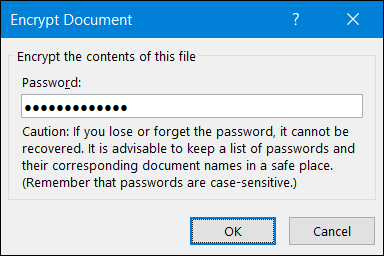
- Confirm the password in the Reenter Password box, and then select OK.